

The no-nonsense guide to generating E-Way Bills
Tired of trucks being stopped? Here is how to generate perfect e-way bills without spending hours on the government portal.
 By Rahul Desai
June 10, 2026
5 min read
By Rahul Desai
June 10, 2026
5 min read
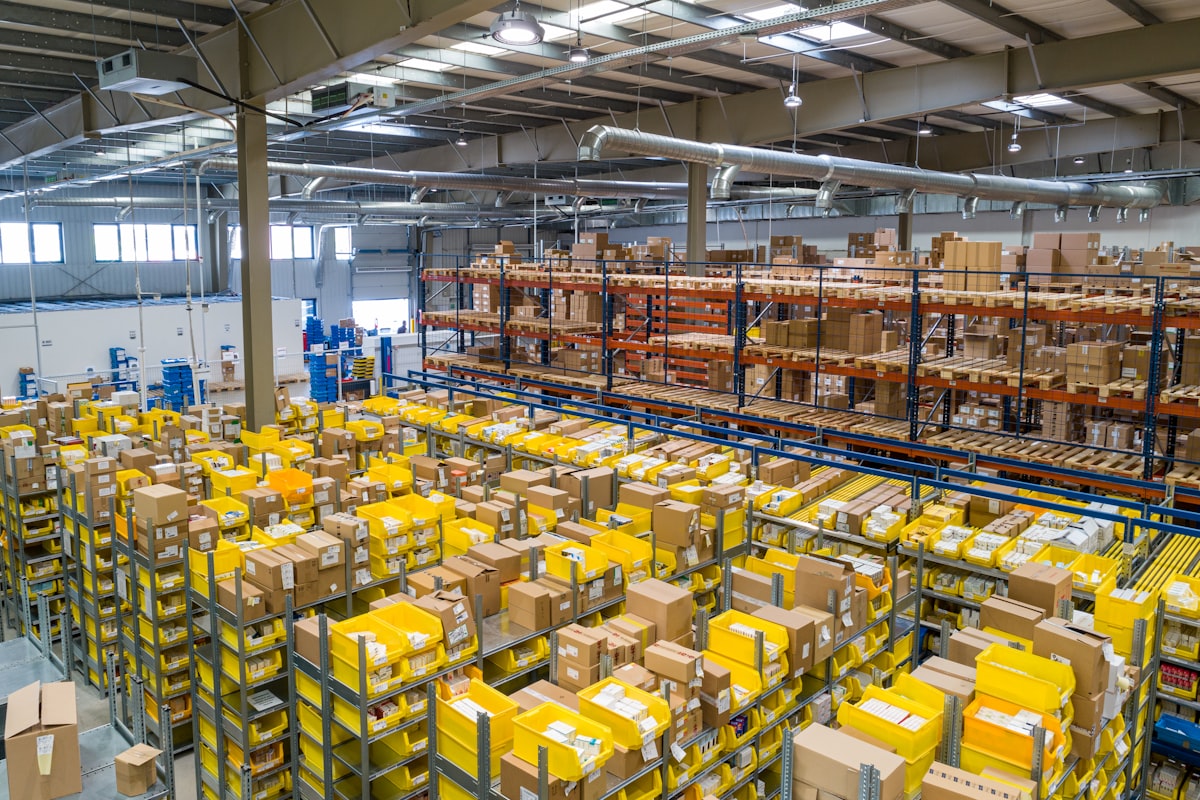
If you're moving goods across states (or even within your own state, depending on the rules), the E-Way bill is your best friend—and your worst enemy if you get it wrong. It's essentially a digital passport for your goods. Without it, your transporter can be stopped, fined, and your goods confiscated.
When Do You Actually Need One?
The general rule of thumb is simple: If the value of the goods moving in a vehicle exceeds ₹50,000, you need an E-Way Bill.
However, there are exceptions. If you are doing inter-state movement of handicraft goods, or if you are a principal manufacturer sending goods to a job-worker in another state, you need an E-way bill even if the value is ₹100.

How to Generate It: The Hard Way
If you want to do this manually, prepare to type carefully. Here are the steps for the official portal:
- Log in to
ewaybillgst.gov.inwith your credentials. - Navigate to the left menu and click E-Waybill > Generate New.
- Select 'Outward' if you are the supplier.
- Type in your customer's GSTIN. Make sure you don't make a typo, or the address will be wrong.
- Manually type out every item, its HSN code, quantity, and the taxable value.
- Enter the transporter's ID and the exact Vehicle Number.
- Hit Submit and pray the portal isn't down for maintenance.
The Danger of Manual Entry
Entering details manually means you are typing the same invoice twice—once in your accounting software, and once on the government portal. This is where mistakes happen. If the invoice value on the paper doesn't exactly match the E-Way bill, the GST inspector will flag it.
The 1-Click Method
Smart businesses don't use the portal directly. They use API-integrated accounting software.
Ship faster with BookSmart
Create your invoice in BookSmart, type the truck number, and hit "Generate". The E-way bill is created instantly without leaving the app.
See How Fast It Is